GRIDWORX INSTALLATION
Tools and training for your crew
For installers working with Gridworx wall cladding, this hub brings panel alignment tools and on-site training together. Start with the resource that fits your job.
PANEL ALIGNMENT
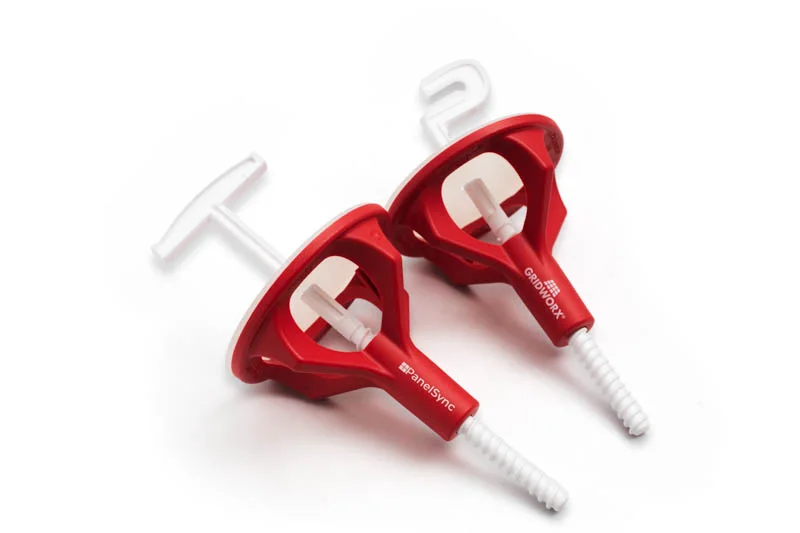
Gridworx Panel Sync
Compare the Hook Tool and T Tool, see the four-step workflow, and download the PanelSync product sheet.
Explore PanelSync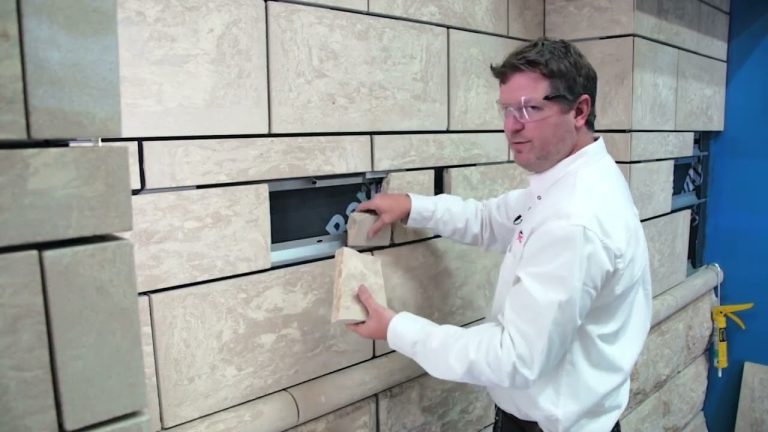
ON-SITE SUPPORT
Installation Training
Find training for contractors, site managers, and installation crews, plus a stone cladding removal demonstration.
Explore trainingProject preparation for installers
First, check which Gridworx system your project uses. The system details explain the available wall cladding systems. Then use your project drawings and the installation downloads to find the details that apply to your job.
Next, review how the panel joints come together. If two faces need a fine adjustment, compare the PanelSync Hook Tool and T Tool. For example, the T Tool works at a vertical joint, while the Hook Tool can engage the channel at a vertical or horizontal joint.
When your crew needs help, share the system name and project details with Gridworx. In addition, note the work you want to review, such as panel alignment or stone cladding removal. That gives the team a clear starting point for the training discussion.
Finally, keep the product sheet and project drawings handy at the job site. The sheet explains what each tool does. The drawings and system documents provide the details for the specific installation.
Contact Gridworx about your project →